Fast & Smooth
Responsive navigation and speedy loading built for a smooth experience.

See the difference clearly: Wi Player gives you the essential tools for everyday use, while Wi Player Premium adds stronger organization and personalization features.
These are the main features included in standard Wi Player plans.
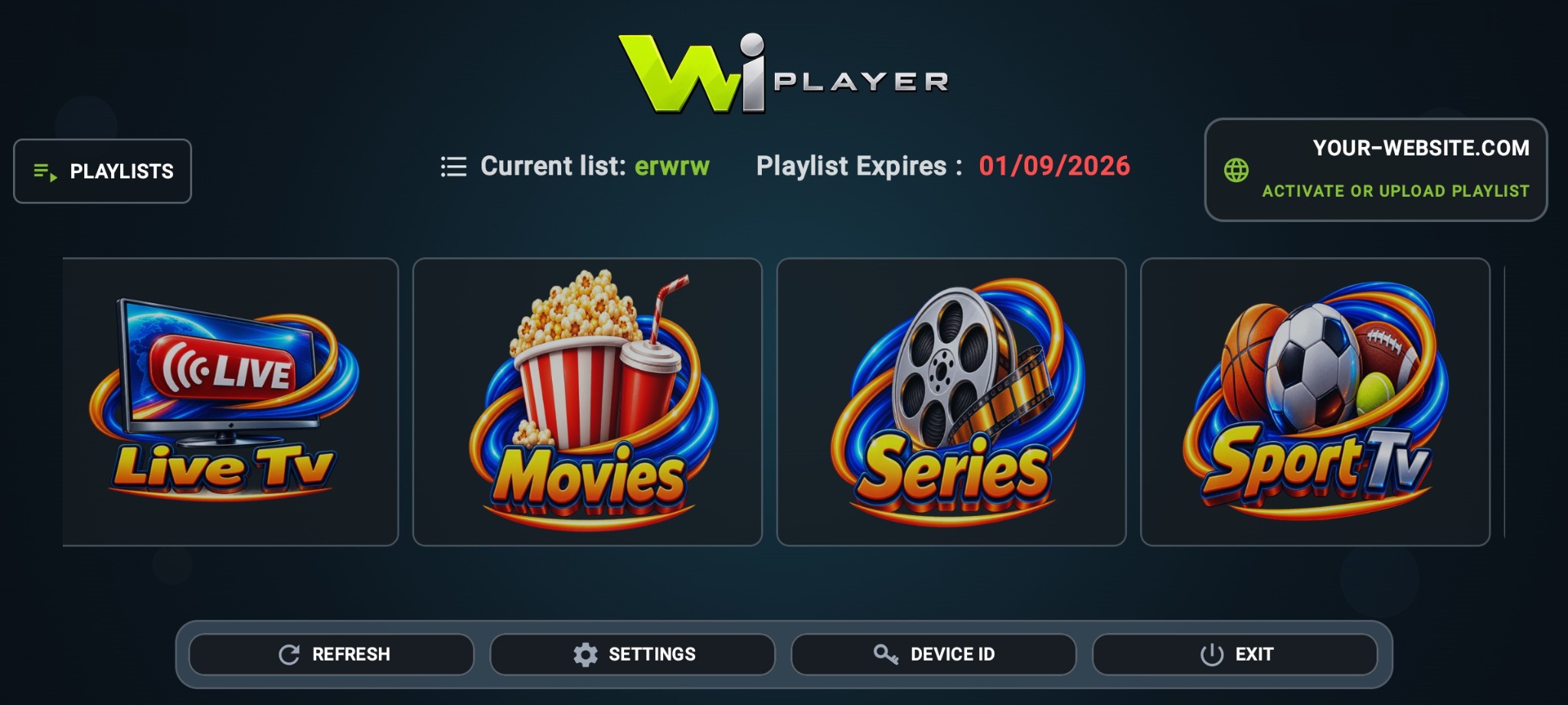
Wi Player uses a professional interface that stays simple for the customer. It helps users move through playlists, categories and app controls in an easy way without confusion.
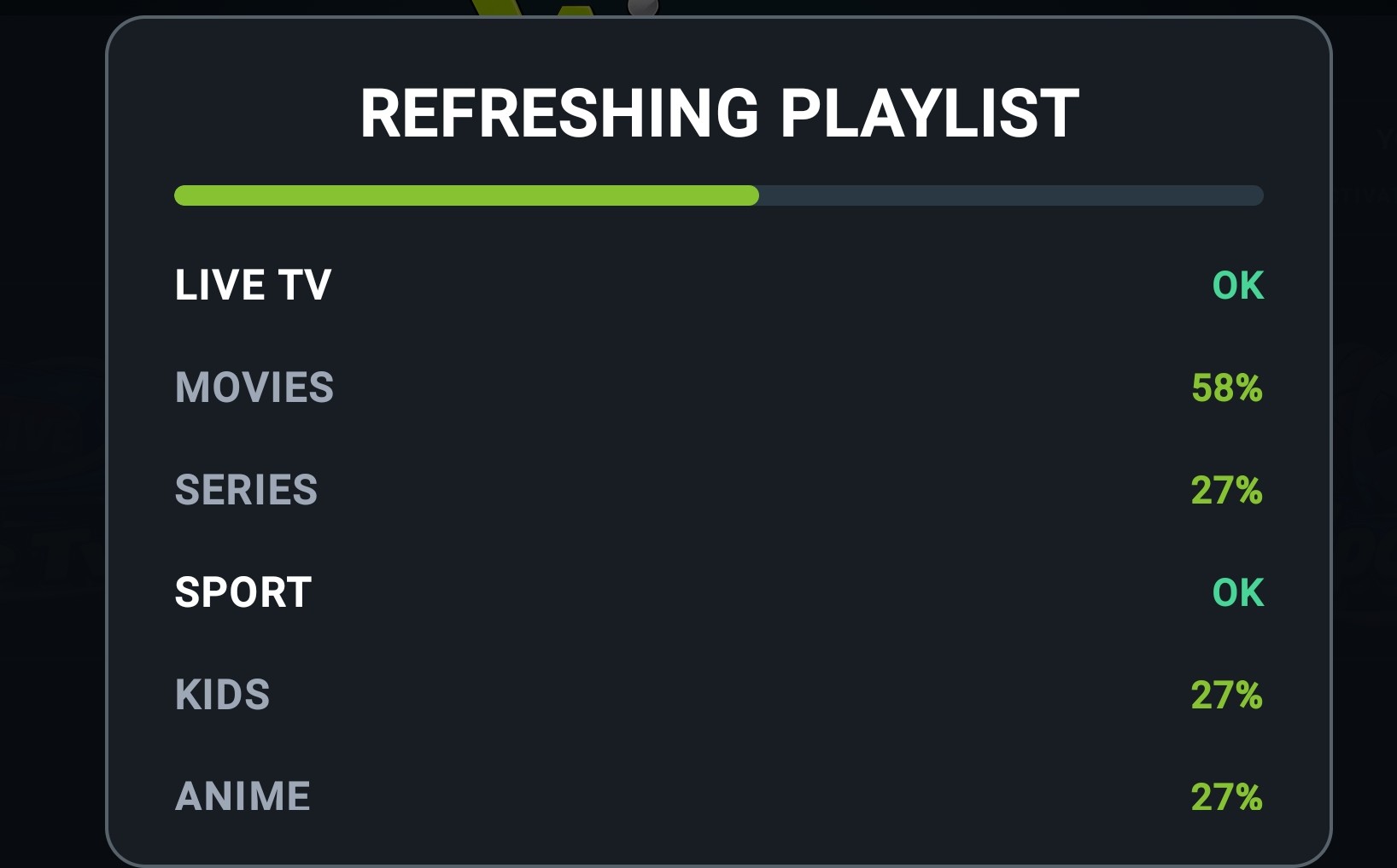
Wi Player is built for quick playlist preparation. During refresh, the app clearly shows section progress so the customer can understand what is being prepared and when the playlist is ready to use.
Responsive navigation and speedy loading built for a smooth experience.
Save important channels to your favorites for faster access.
Playlist items can be stored locally on the device to reduce waiting time.
Use subtitle and audio options when they are available in the stream.
Automatic playlist refresh every 3 days with manual refresh anytime.
Use more than one playlist on the same Wi Player device with easy selection.
Wi Player Premium includes all normal features, plus dedicated content organization and more customization.
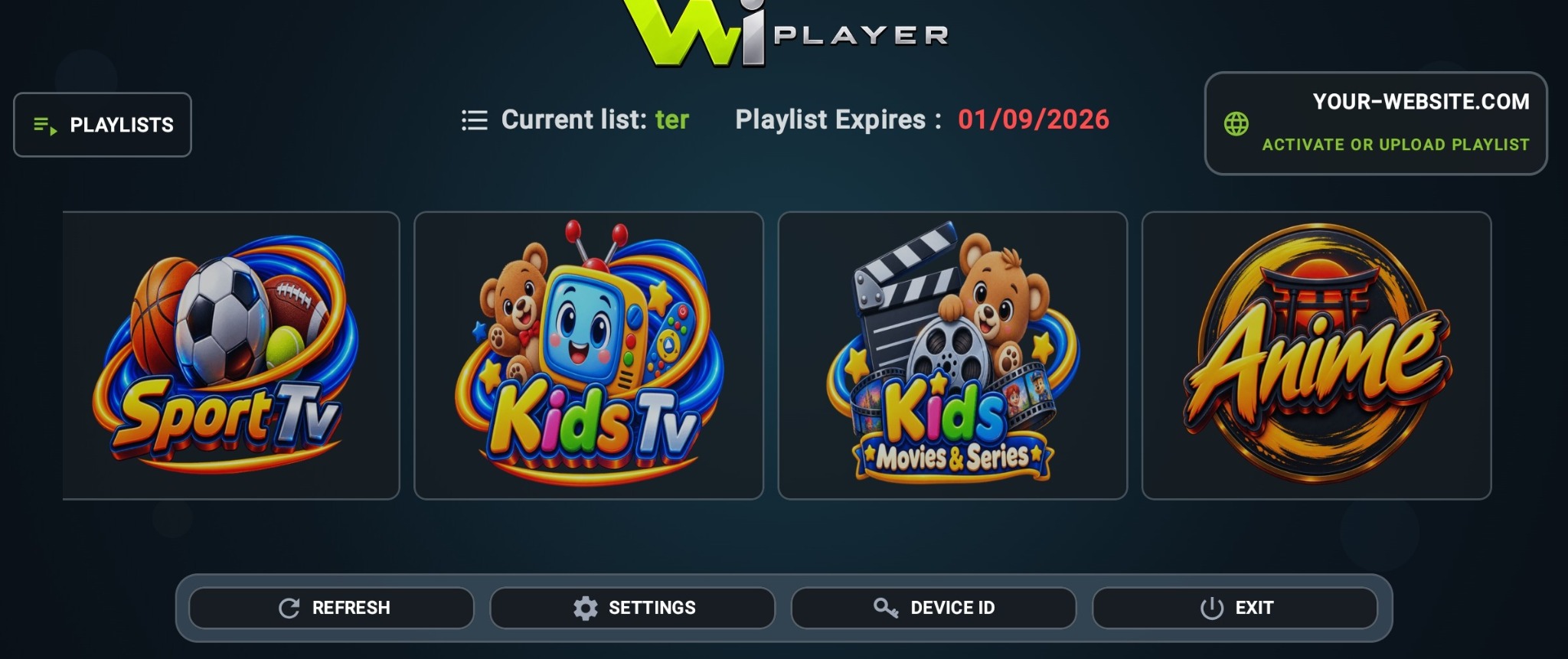
Instead of searching through mixed sections for sports channels, kids channels, kids movies & series or anime, Wi Player Premium puts them into dedicated categories. It feels cleaner, looks more organized and makes it easier to reach what you want without extra searching.
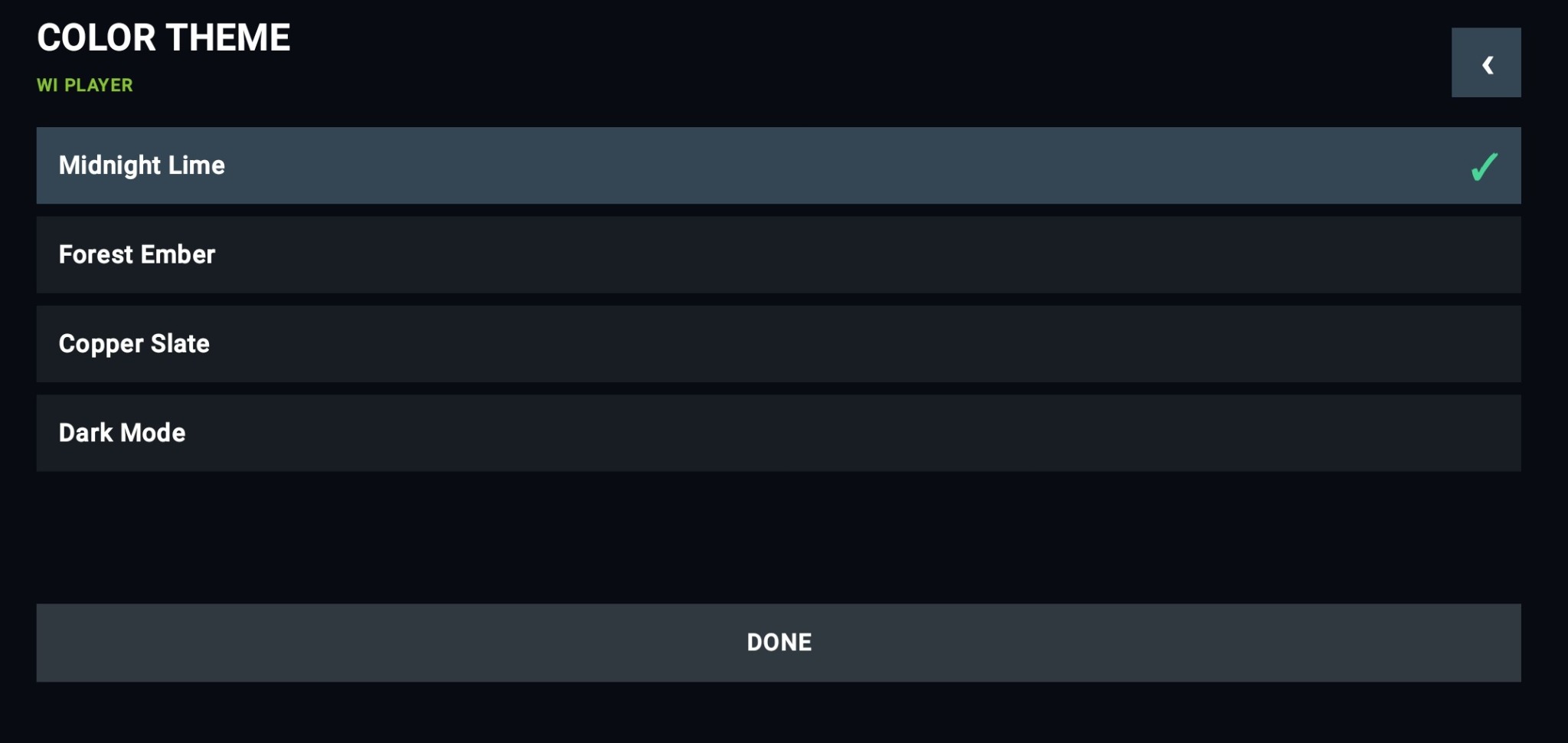
Wi Player Premium includes more themes so the customer can personalize the app and enjoy a style that feels comfortable, while keeping the same smooth and familiar experience.
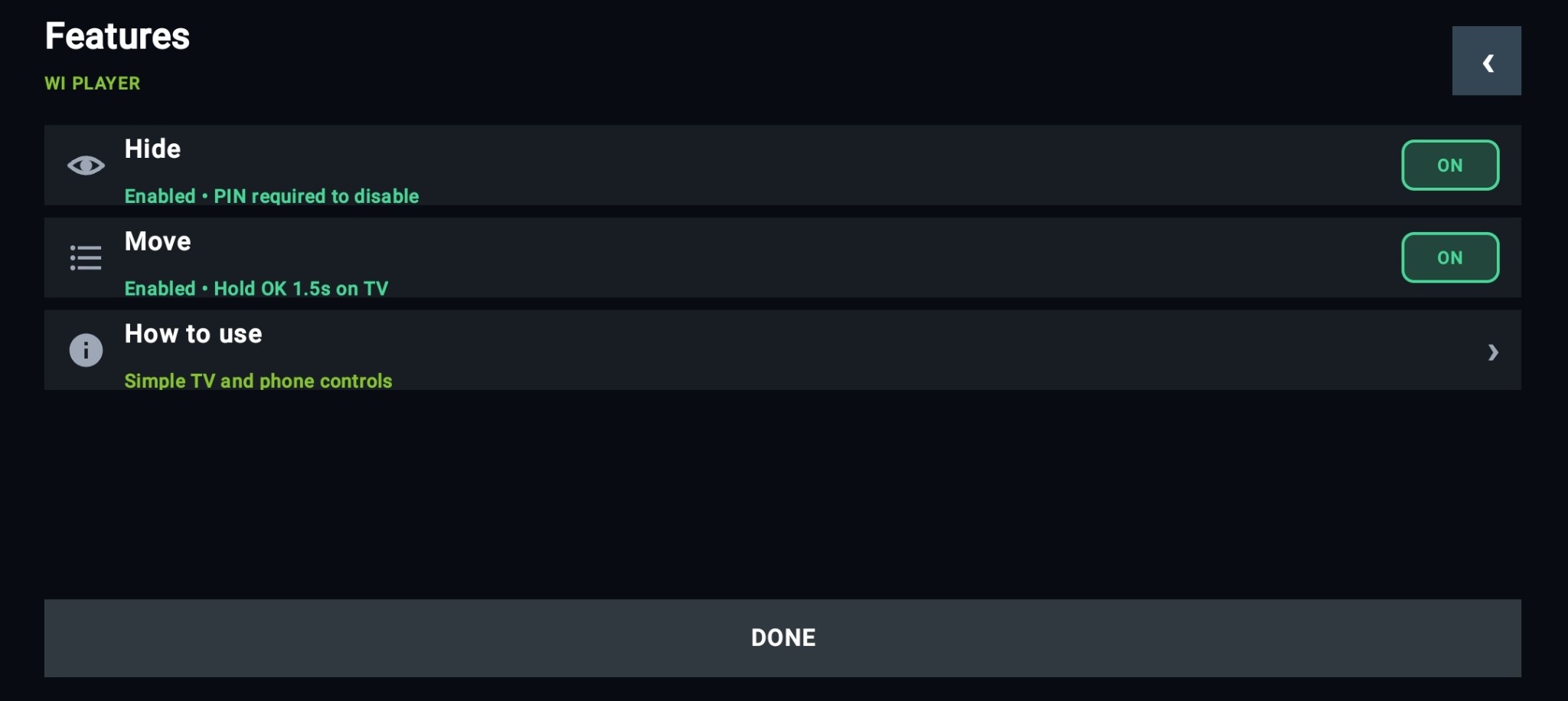
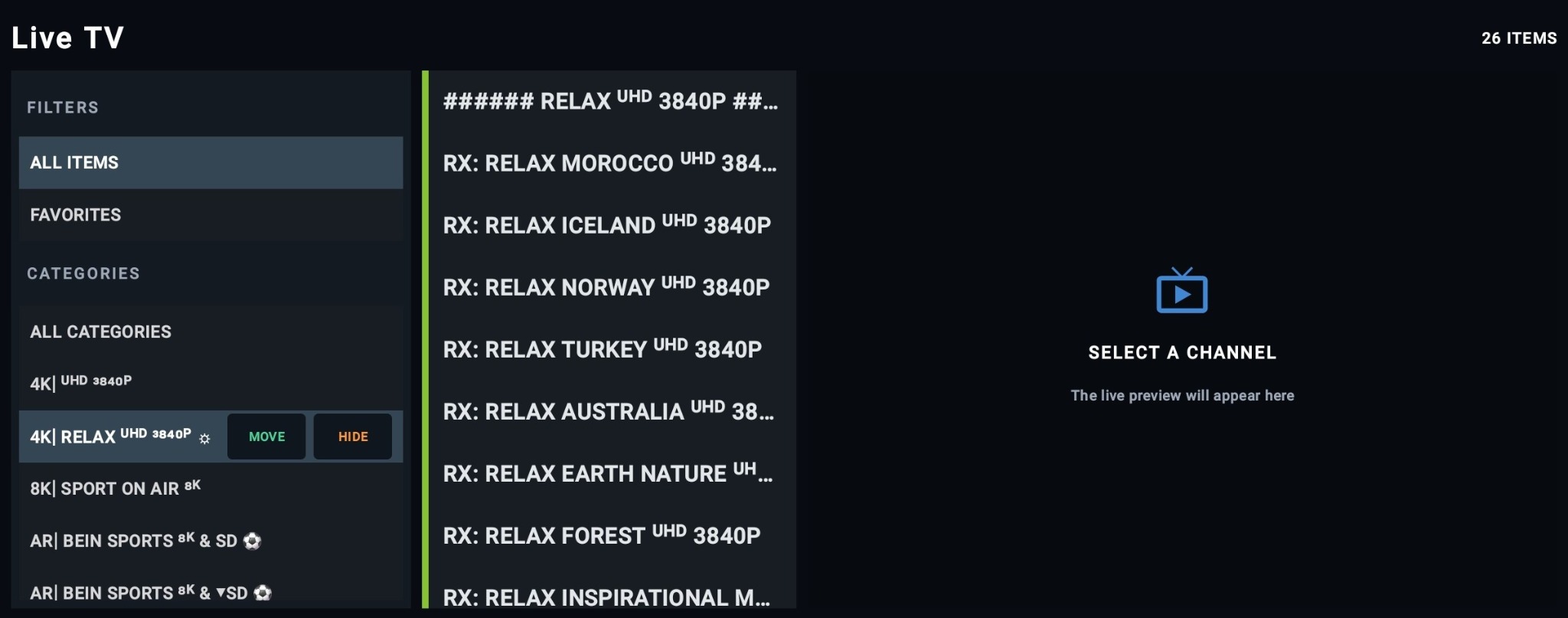
Hide lets you hide a full category for a cleaner screen and better privacy. Move lets you reorder categories and place your favorites where you want them. Together, these tools help the customer build a layout that feels more personal, easier to use and more professional.